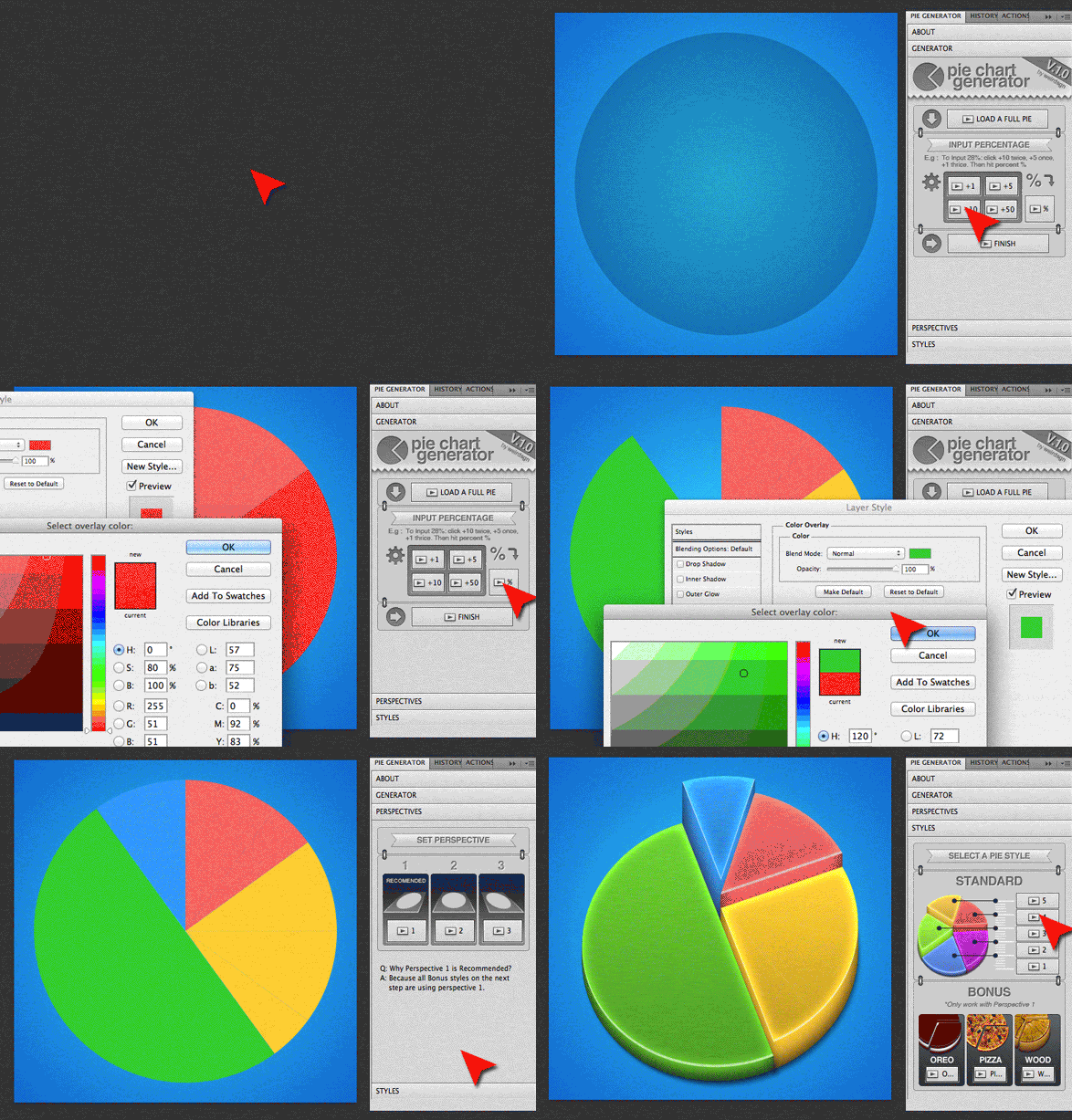
Our new Beta version website is up! Please visit weirdsgn.com or follow our new @weirdsgn twitter.

Showing posts with label Download. Show all posts

Wednesday, December 18, 2013

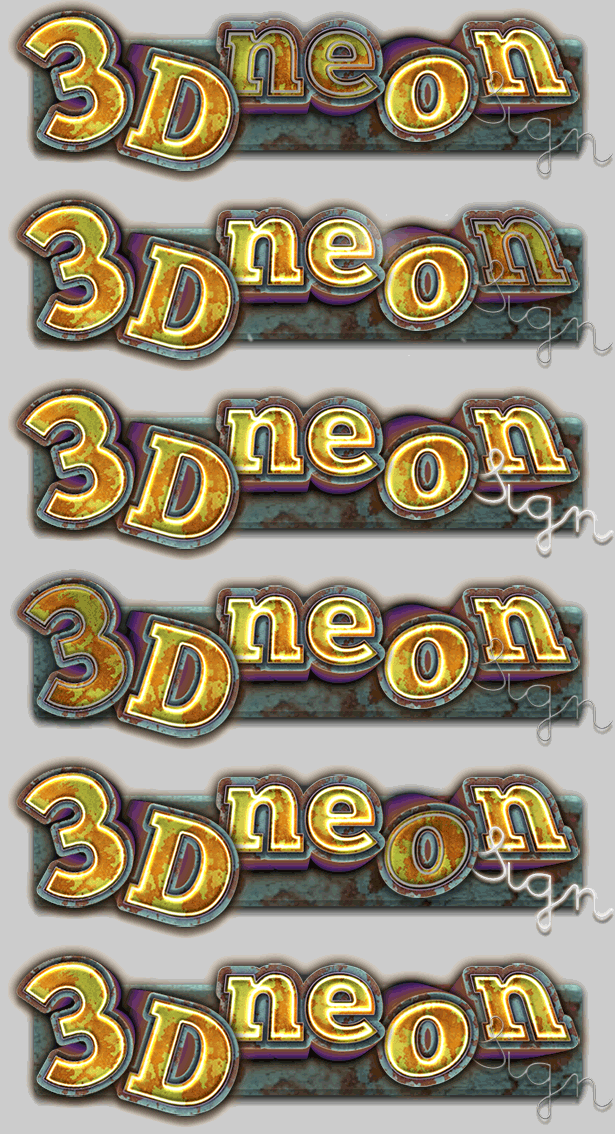
Photoshop 3D Neon Sign Text Effects

3D NEON SIGN TEXT EFFECT
Create your own 3D Neon Sign with 3 easy steps in Photoshop. 
No photoshop skills are needed. 
Fast, easy, and professional results. 
Very realistic and highly customisable. 
Even working with texts and shapes. 
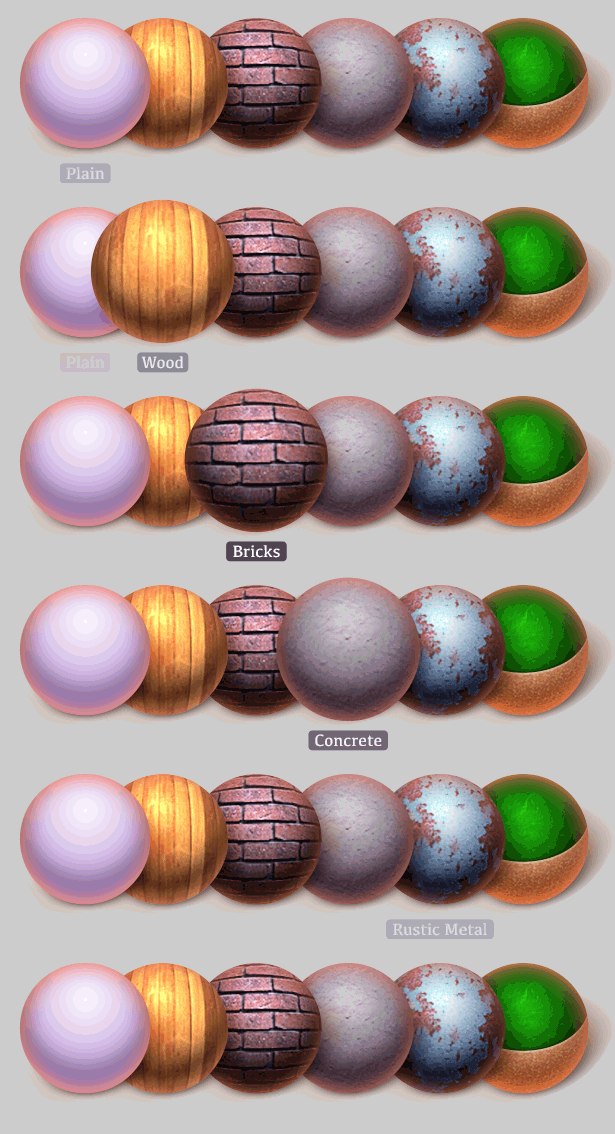
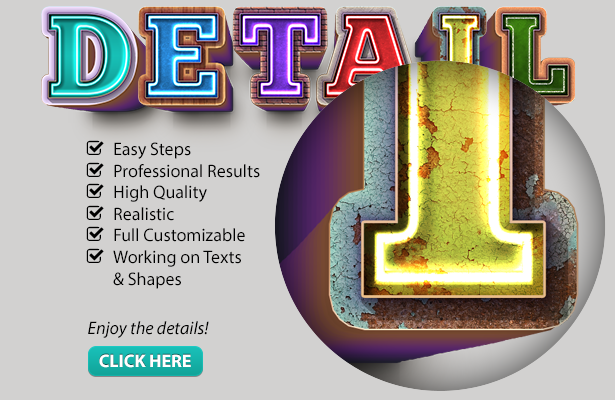
Choose between 6 different materials: 
• Plain Style 
• Wood Style 
• Bricks Style 
• Concrete Style 
• Rustic Metal Style 
• And Chalkboard Style 
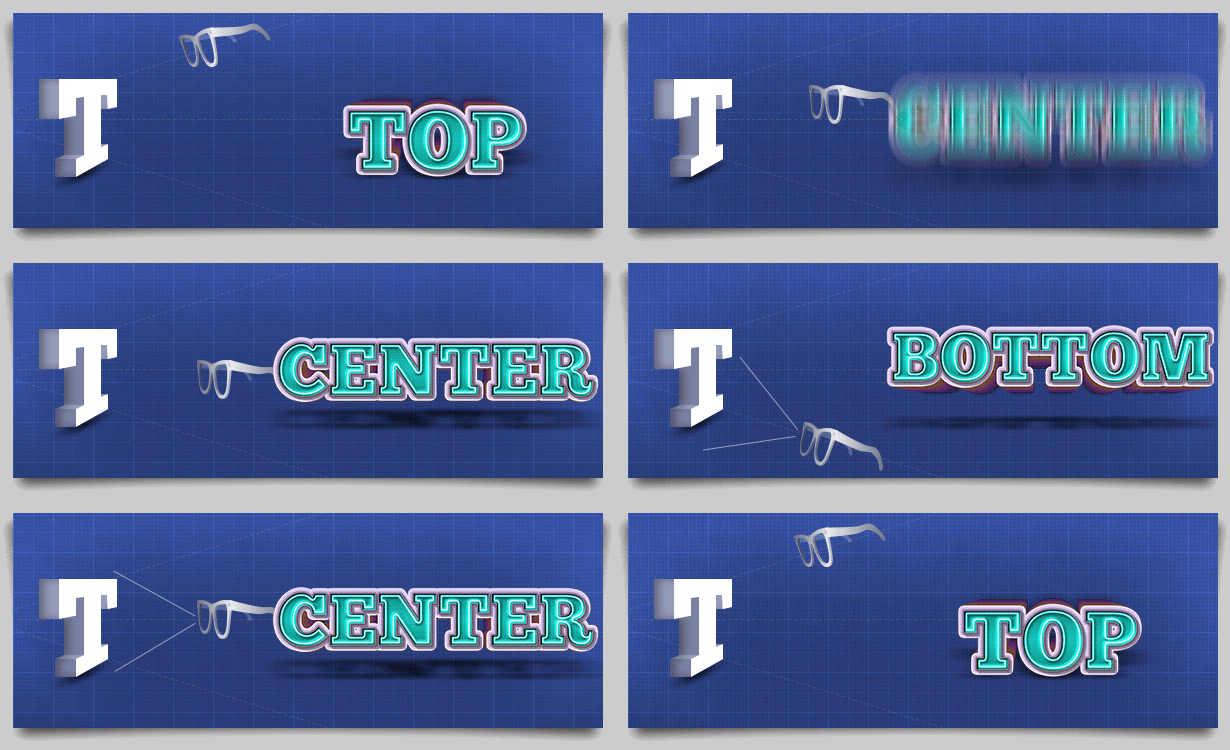
3 Perspectives Available: 
• Top View 
• Center View 
• Bottom View
Video Tutorial

Thursday, May 2, 2013

Blocks Map Creator by Vladuha


This set of actions will help you to easily make a map from any shape. The final result is a suface consisting of squares, no matter what were the edges of the original shape. Also, the final result takes the shape contour. Once you’ve generated the surface, you can add any items that are included in the kit, or use other elements. Finally you get a stylish map that you can use in your own projects: sites, prints or other way you like

Friday, February 15, 2013

Instapatterns: Turns Any Images Into Patterns


INSTAPATTERNS is useful Photoshop Actions packaged in easy-to-use Custom Panel. Combined with “Instapattern Viewer.psd” you will get a new photoshop experiences to help you creates patterns from any images easier than ever.


PACKAGE INCLUDE

• Photoshop actions (.atn)
• Photoshop extension (.zxp)
• Instructions (.pdf)
Please follow the instruction carefully.


REQUIREMENTS
Adobe Photoshop CS5/CS6
Adobe Extension Manager for installing the panels.
If there is no Extension Manager, tools can still be used manually, without the panels.
OR
Adobe Photoshop CS4 and lower
Tools have to be used manually using Actions Set, without the panels.
Please read it at the Manual Instructions.


VIDEO TUTORIAL


Thursday, July 26, 2012

Weird 10 iOS App Icon Resources

Mobile App Icon is the most important element in your mobile apps design due to it is the first sight to your apps user and is a symbol that represents your apps. As long as you can have a wonderful Mobile App Icon design, it can attract a certain amount of apps users. iOS App Icon Templates allow you to quickly create your ios app icon. In this article, we have selected 10 fabulous Design Resources for iOS App Icon for your use.

iOS App Icon Template
App Icon Template allows you to shorten your App Icon design process by providing different templates for you to work on. The idea is to edit the largest size and have the smaller sizes automatically rendered enabling a much quicker workflow when designing icons. You will also find a selection of ready-made textures that you can build on and easy export actions that spit out the exact files you need to deliver to Apple.

Friday, May 18, 2012

Releashed! Professional Tool: iOS Camera Icon Maker


“Everybody judge an app by its icon.”
Let’s make your app more stand out of the crowd.
With iOS Camera Icon Maker now you can make 
high quality icons, with only a few clicks.
Huge of results are waiting for you.


Make high quality camera icons with few clicks.


Wednesday, October 12, 2011

Freebies from Pixeden

iPhone 4S PSD Vector Mockup Template


Retro Web Ribbons Vintage Psd Pack

PSD Soda Can Mock-Up Template

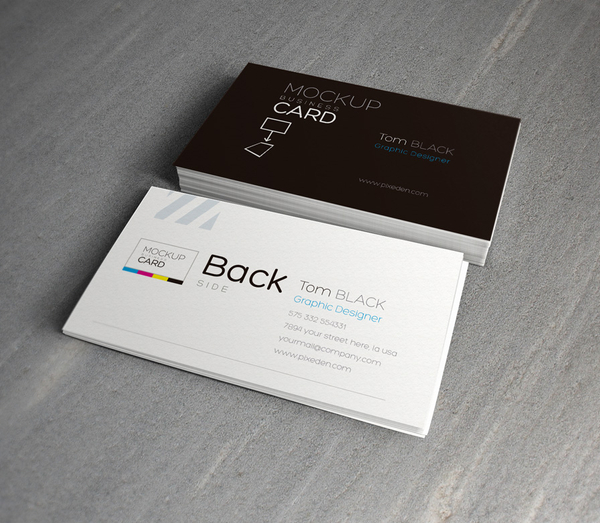
PSD Bi-fold Brochure Mock-Up TemplatePsd Business Card Mock-Up Template Vol 2
find more at pixeden.com/

Tuesday, March 29, 2011

Weird Coincidences #1: OLD TIME RADIO


Shot_1297867448Crosley Companion Radio (Walnut)
Shot_1294431010Shot_1299747860
Shot_1283638862Shot_1288630171
Shot_1299456514Crosley Solo Radio CR221 Black
Shot_1288016261Shot_1288547961
Shot_1277369393Shot_1287577549
Shot_1300114975Shot_1283856681
AppiconbigCrosley CR32 CD Cathedral Radio with CD - Paprika
Shot_1287016137Shot_1283891440
AM/FM Vintage Radio
Image Description

Monday, March 28, 2011

LOCKBOX Password on iTunes Store


    Apple iPhone 3GS 16GB - Black - Unlocked
  • Category: Productivity
  • Released: Mar 09, 2011
  • Version: 1.0
  • 1.0
  • Size: 0.6 MB
  • Language: English
  • Seller: LOCKBOX LLC
Requirements: Compatible with iPhone, iPod touch, and iPad. Requires iOS 4.2 or later.

Description

LOCKBOX Passwords is an iPhone and iPod Touch application that enables you to manage your most sensitive passwords. It frees you from the pain of having to memorize multiple passwords and lets you access them conveniently from your mobile device. LOCKBOX Passwords features enhanced security features that add additional layers of protection for your data. Unlike other applications that try to do everything under the sun, this application focuses on being the best at managing and protecting your passwords.

Version 1.0 Key Features:
- A clean and easy-to-use interface
- Allows users to create complex access passwords for higher security, instead of easily guessed PIN numbers
- Password assistant to help you generate passwords per various standards and regulations
- Automatic reminders to let you know when you need to change your passwords
- Utilizes built-in device secure storage facilities and adds extended security features to help keep your most sensitive password data more secure

Upcoming Features:
- Synchronization with DropBox
- Additional security features to apply even more protection for your data

Important Note:
If you are using iTunes to backup and/transfer your data across devices, it is important to use encrypted backups otherwise your password data will not be properly transferred. Please see http://support.apple.com/kb/ht1766 for more information about properly backing up KeyChain data.

you can download here

Saturday, March 26, 2011

Create Floating Back to Top Button on Blogger


Having trouble with your very long posting on Blogger?
Or too much comments appears on your articles?
Now you can reduce those efforts by using a simple script, which enables go to top floating button on your blogger blogs.


See this example:
*it shown on the right-bottom on my page


Three Steps How to create it:

  1.  Log in to Blogger, go to Layout section and then click on Add a Gadget -> HTML/JavaScripttype. (Position of the widget is NOT important, it can be anywhere).
  2. Paste the simple script below: 
    *the button used on the default URL http://i993.photobucket.com/albums/af55/weirdeetz/artdeetz/top.png is the same button that used on this blog. 
    To use your own button image, please change the URL with your own. Or you can download some images at the end of this tutorial.
  3. Press save. And you're done! The widget should now appear on your blog.
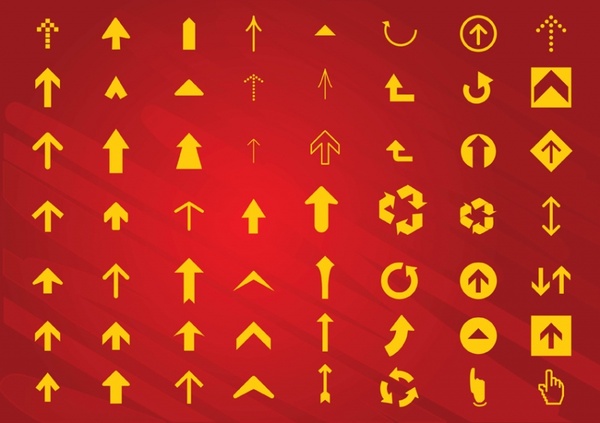
To use your own button image, please make sure the image has 50x50px dimension and has transparent *.gif or *.png file. Here some images you can download:
Free Arrows Vectors

or simply search here:
Related Posts Plugin for WordPress, Blogger...